RemindMe Ai+ app icon

macOS · iOS · Apple Watch

Too much to remember—RemindMe Ai+ has your back.

Mac: Menu bar and global Quick Add. iPhone: Dictate or type. Premium: Optional AI parsing and iCloud across Mac, iPhone, and Watch—one purchase.

See full product story

  • No RemindMe Ai+ account · Core features work offline
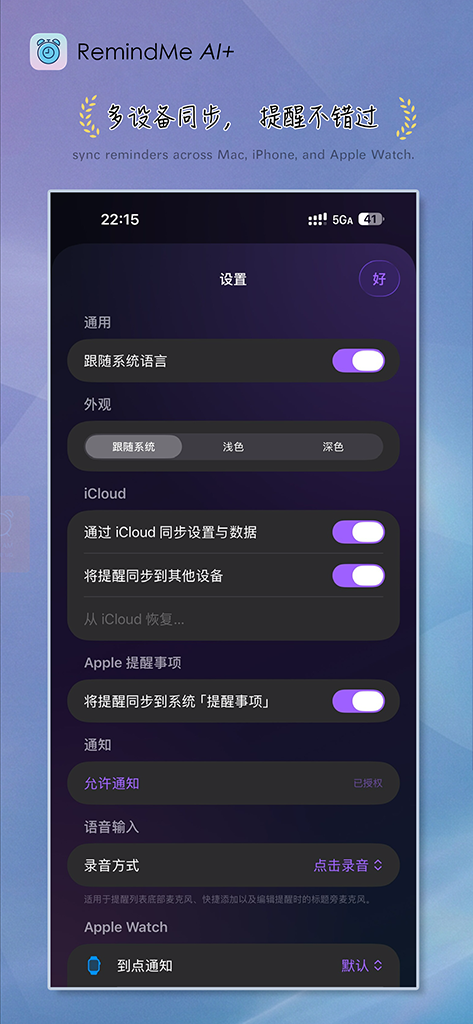
  • Premium: iCloud sync · Mac, iPhone, Watch
  • Premium: your AI provider · keys in Keychain

Mac and iPhone, each where it shines

RemindMe Ai+ for Mac

macOS

Hotkey Quick Add, natural language, menu bar presence.
RemindMe Ai+ for iOS

iOS

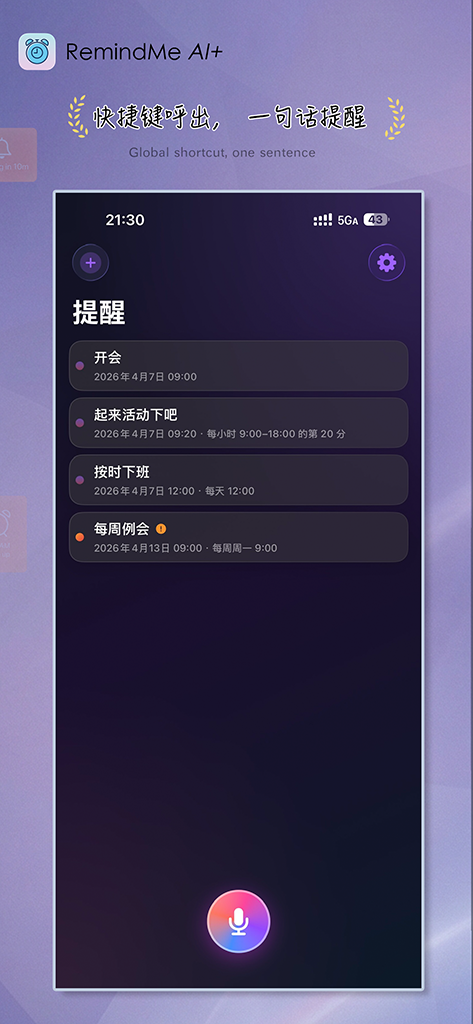
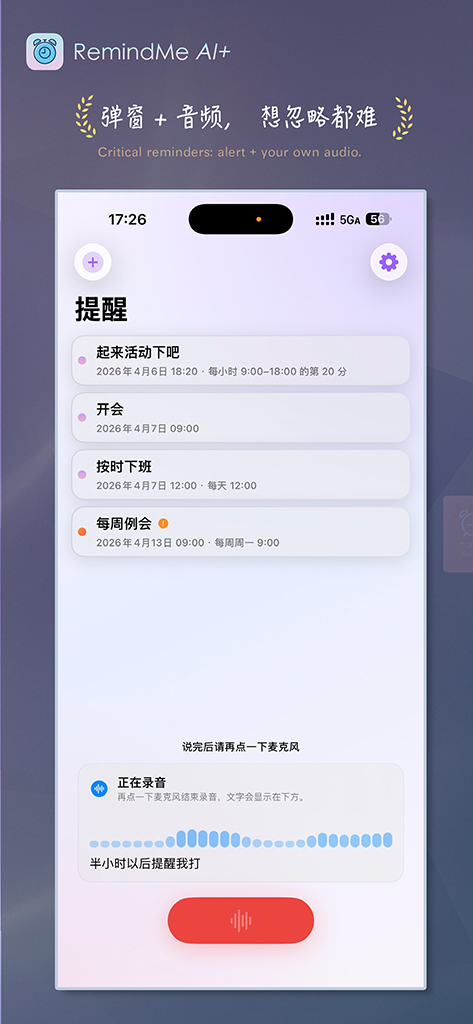
Dictate or type; widgets, Watch, and optional system alarms on supported versions.

iPhone, five frames

Native portrait shots from the iOS app—staggered entrance and a light hover lift.
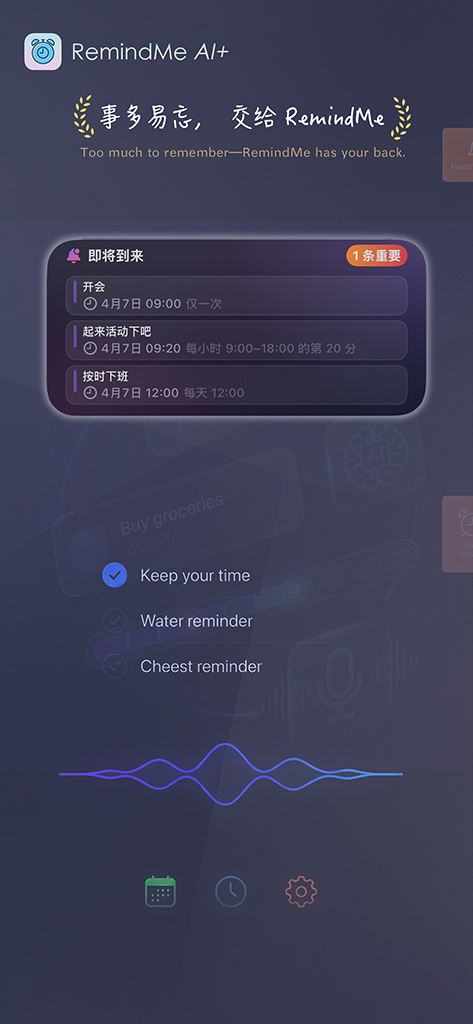
RemindMe Ai+ on iPhone
iPhone screenshot 1.
RemindMe Ai+ on iPhone
iPhone screenshot 2.
RemindMe Ai+ on iPhone
iPhone screenshot 3.
RemindMe Ai+ on iPhone
iPhone screenshot 4.
RemindMe Ai+ on iPhone
iPhone screenshot 5.

See it in action

Mac, iPad, and Watch shots use a unified 16:10 frame—export at 1600×1000 (or same ratio) for a clean grid. iPhone keeps native portrait. Full gallery on Product.

RemindMe Ai+ reminder list and history on macOS
macOS: your reminders and history in a wide desktop layout.
RemindMe Ai+ Quick Add on macOS
Quick Add: one line for time, type, and wording—menu bar or global shortcut.
RemindMe Ai+ on iPad
iPad: more space for lists and detail on a larger canvas.
RemindMe Ai+ on iPhone
iPhone: reminders on the go; dictation or keyboard in Quick Add.

Miss fewer commitments?

Lite: core reminders and Quick Add. Premium: one-time unlock for sync, critical alerts, and AI parsing. Details in the app.