
Global shortcut, minimal friction
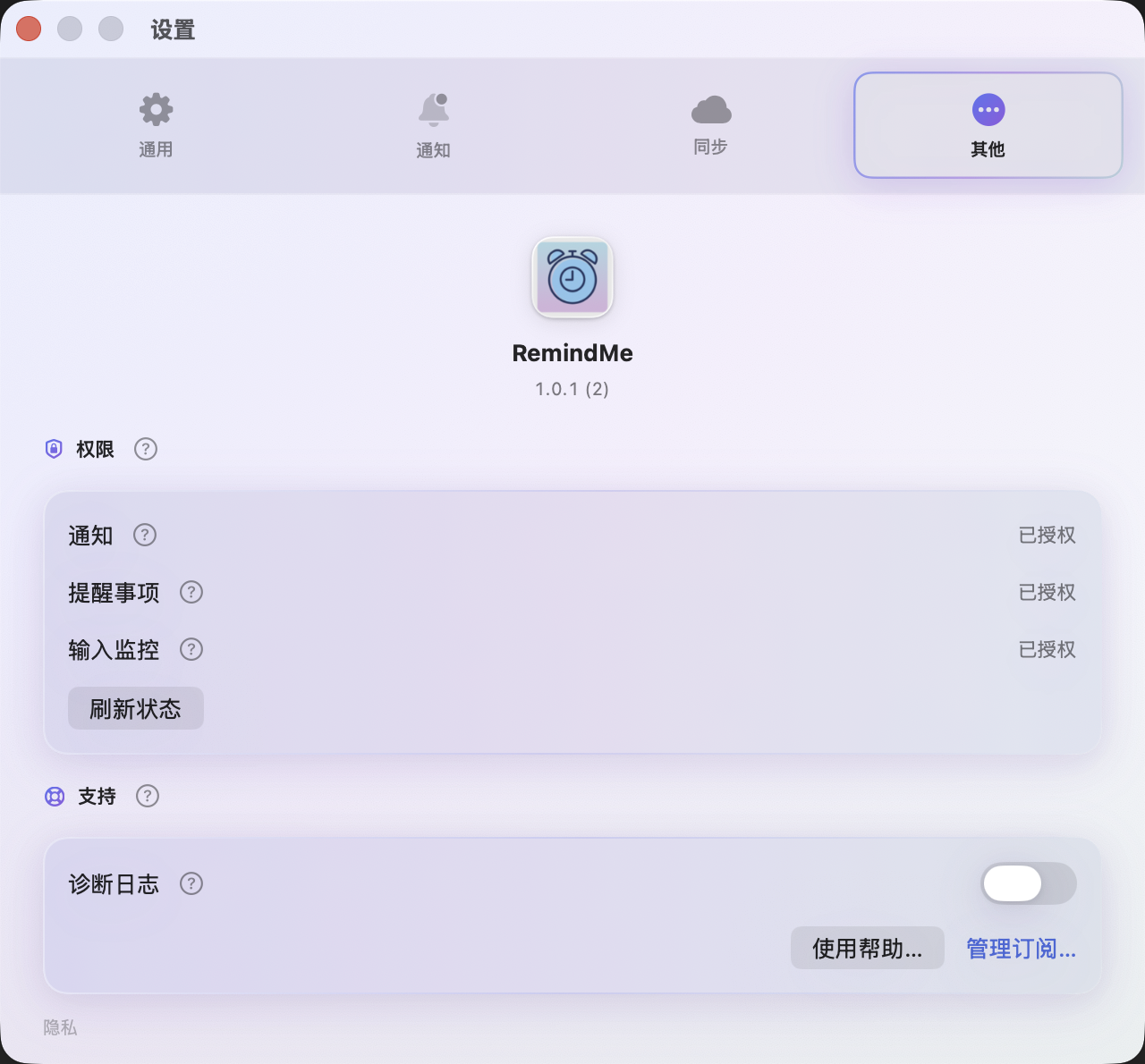
Set a global hotkey to open Quick Add from any app. RemindMe Ai+ registers it with macOS using the system hot key API. Capture the thought before it slips away—no hunting for windows.
My App
Quick Add on Mac, capture on iPhone. Lite for everyday use; upgrade to Premium for iCloud, AI parsing, and stronger alerts.
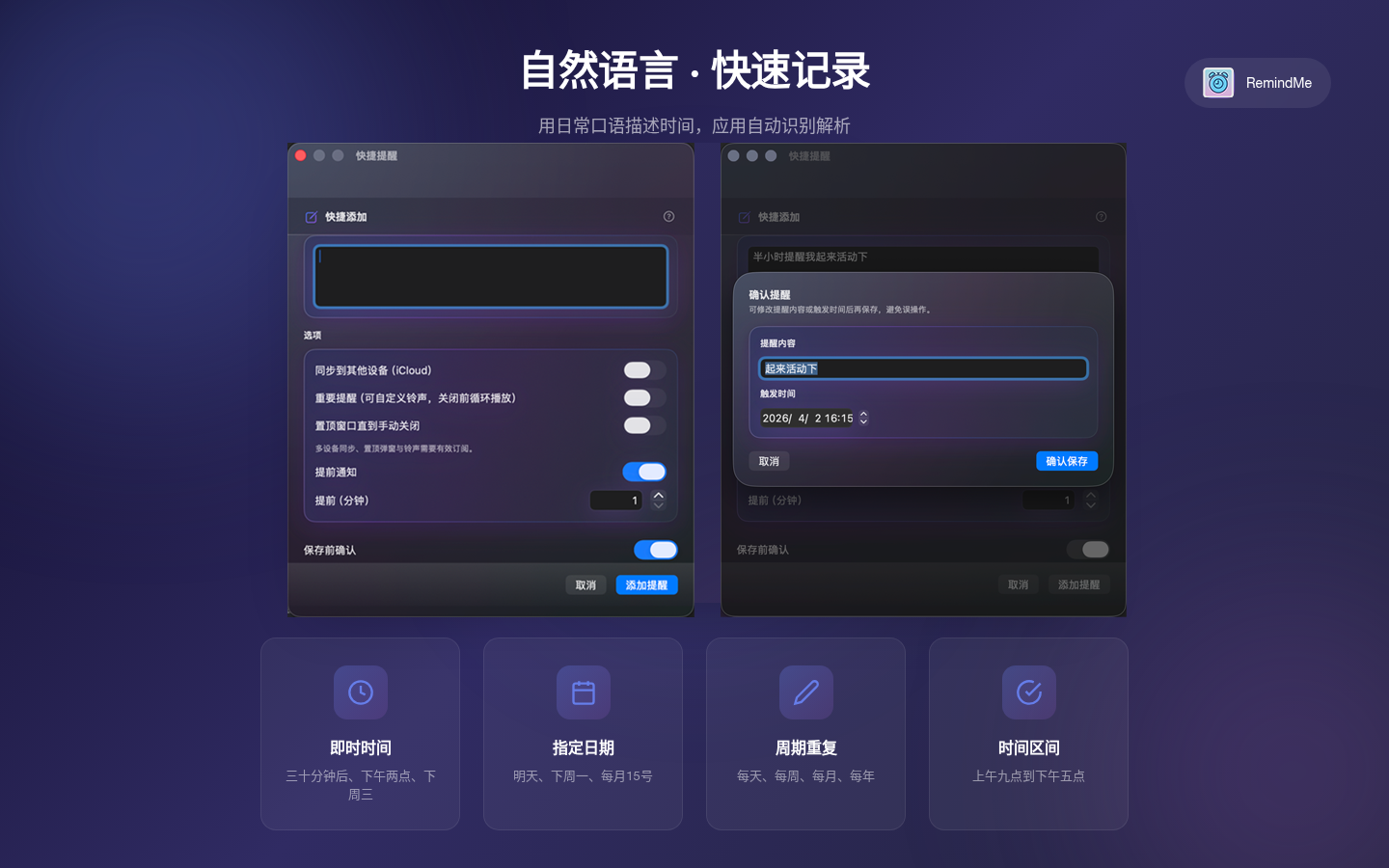
iPhone gallery keeps portrait. macOS, iPad, and Watch use the same 16:10 showcase frame (recommended export 1600×1000).
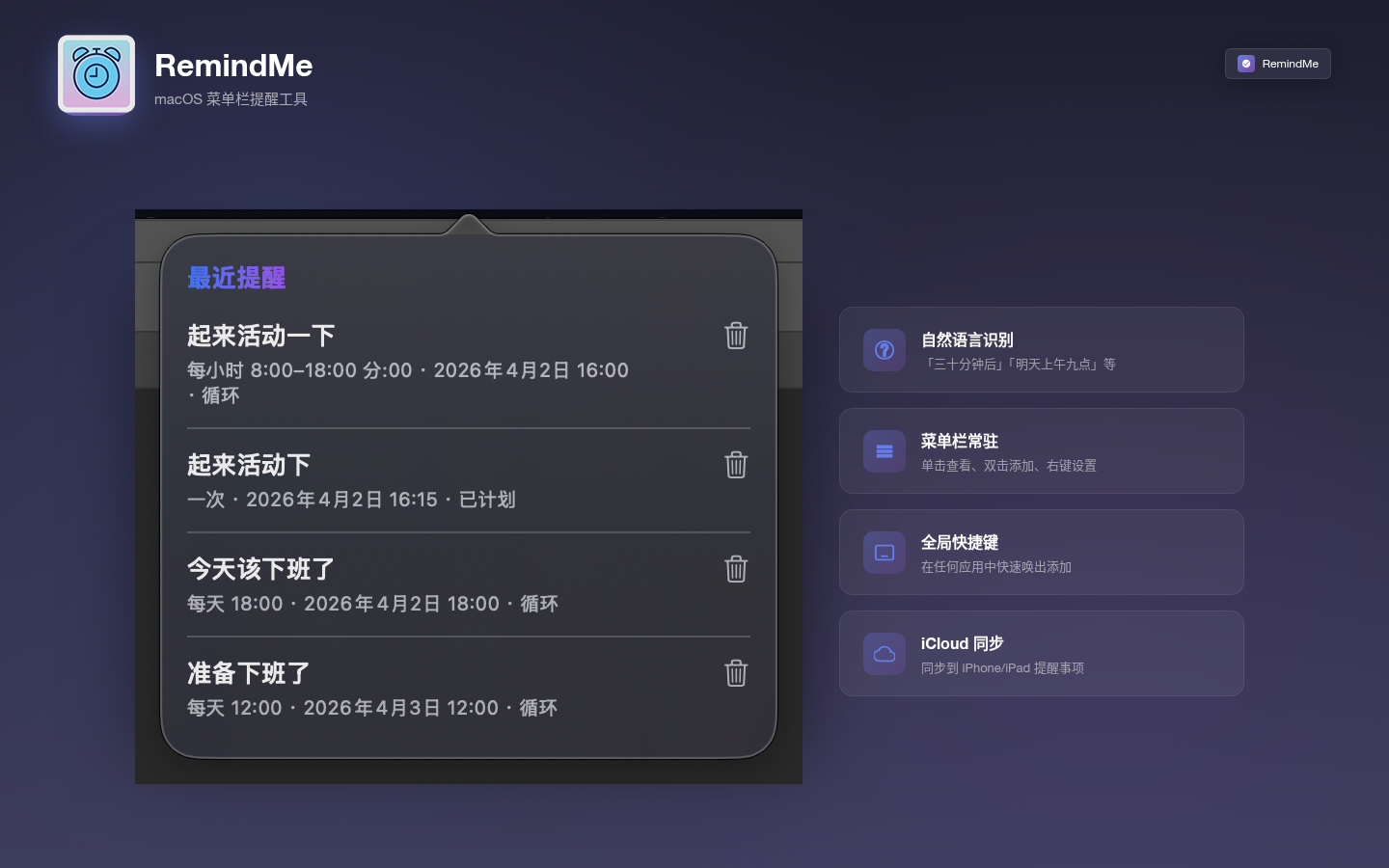
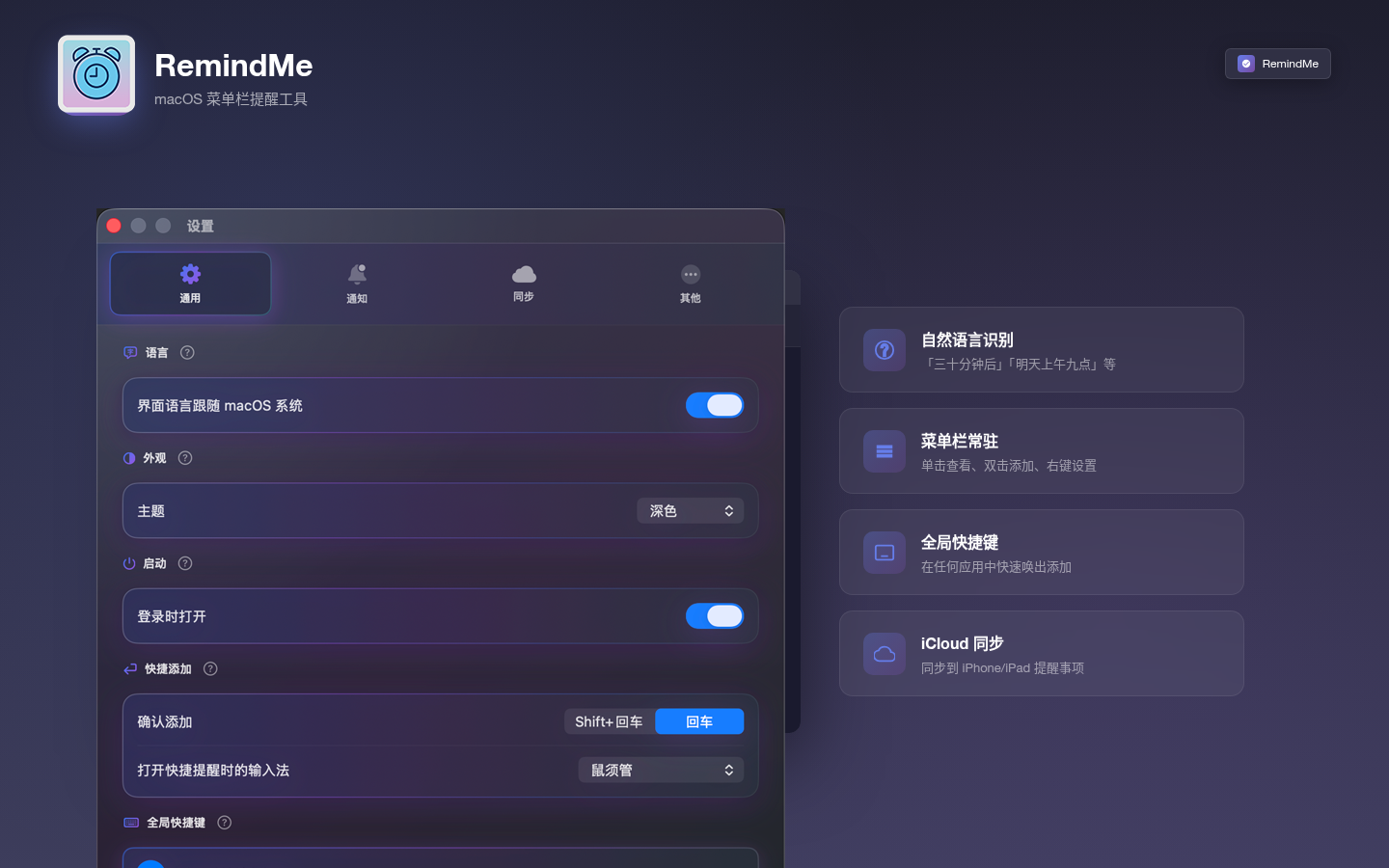
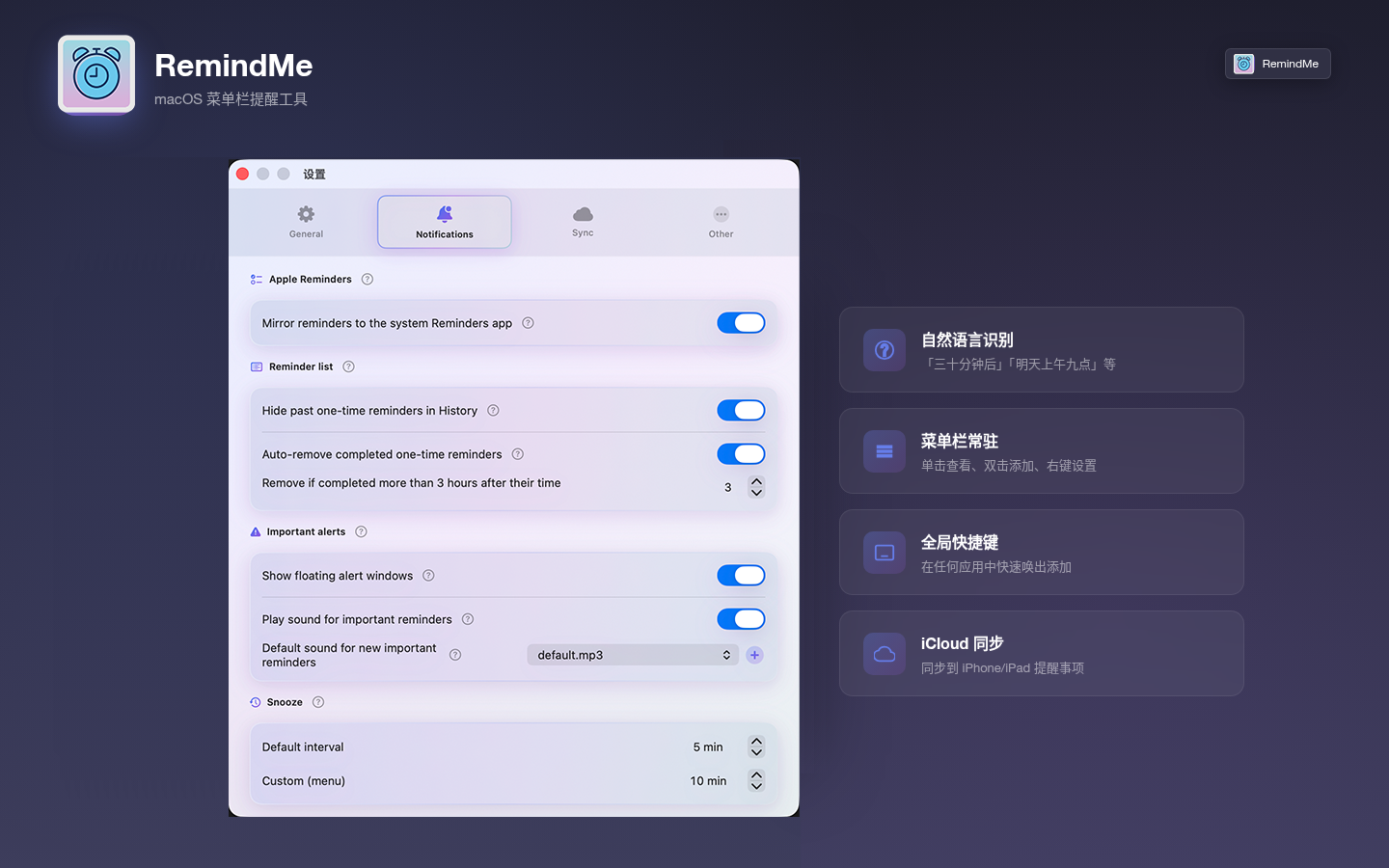
Quick Add, list & history, and settings.
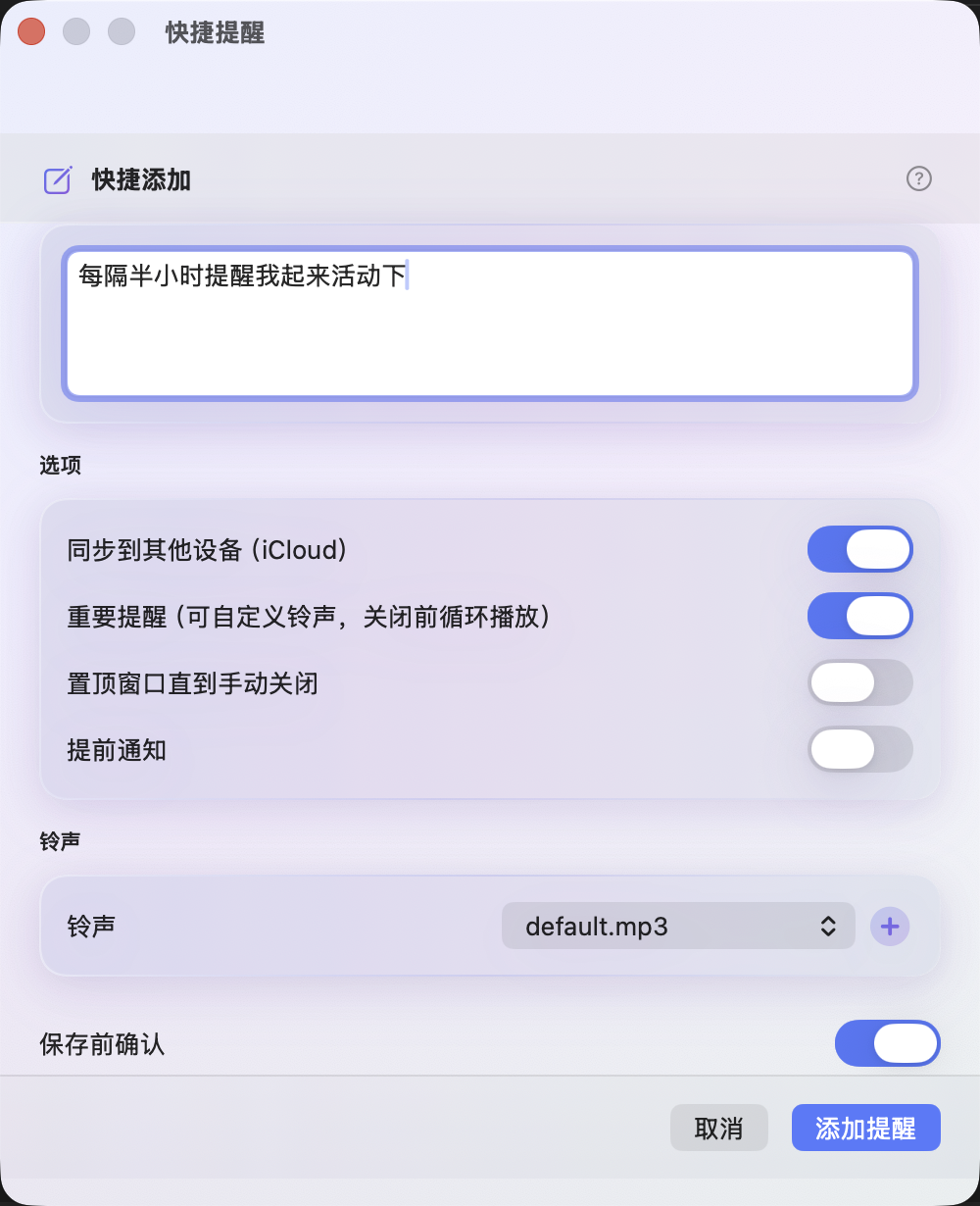
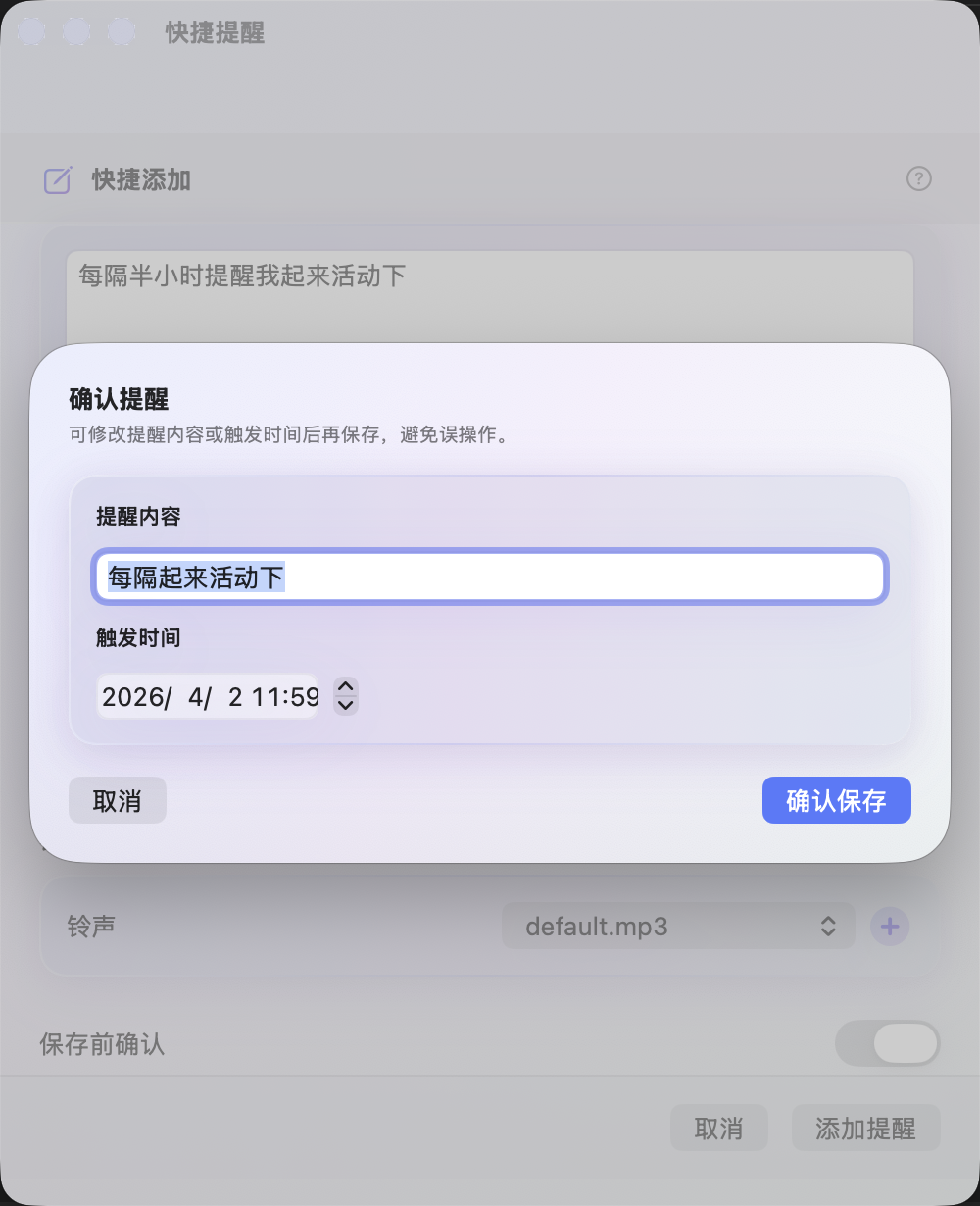
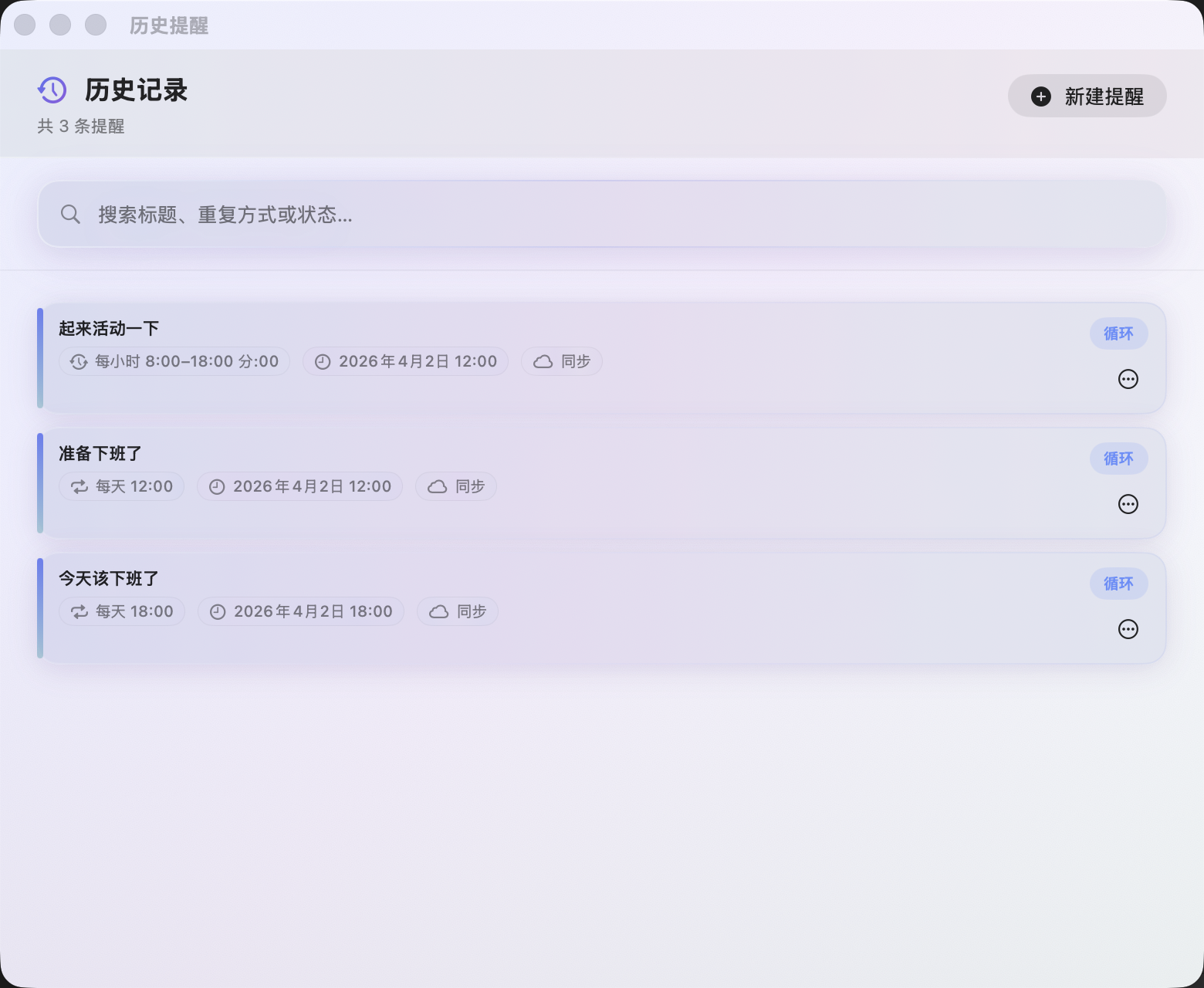
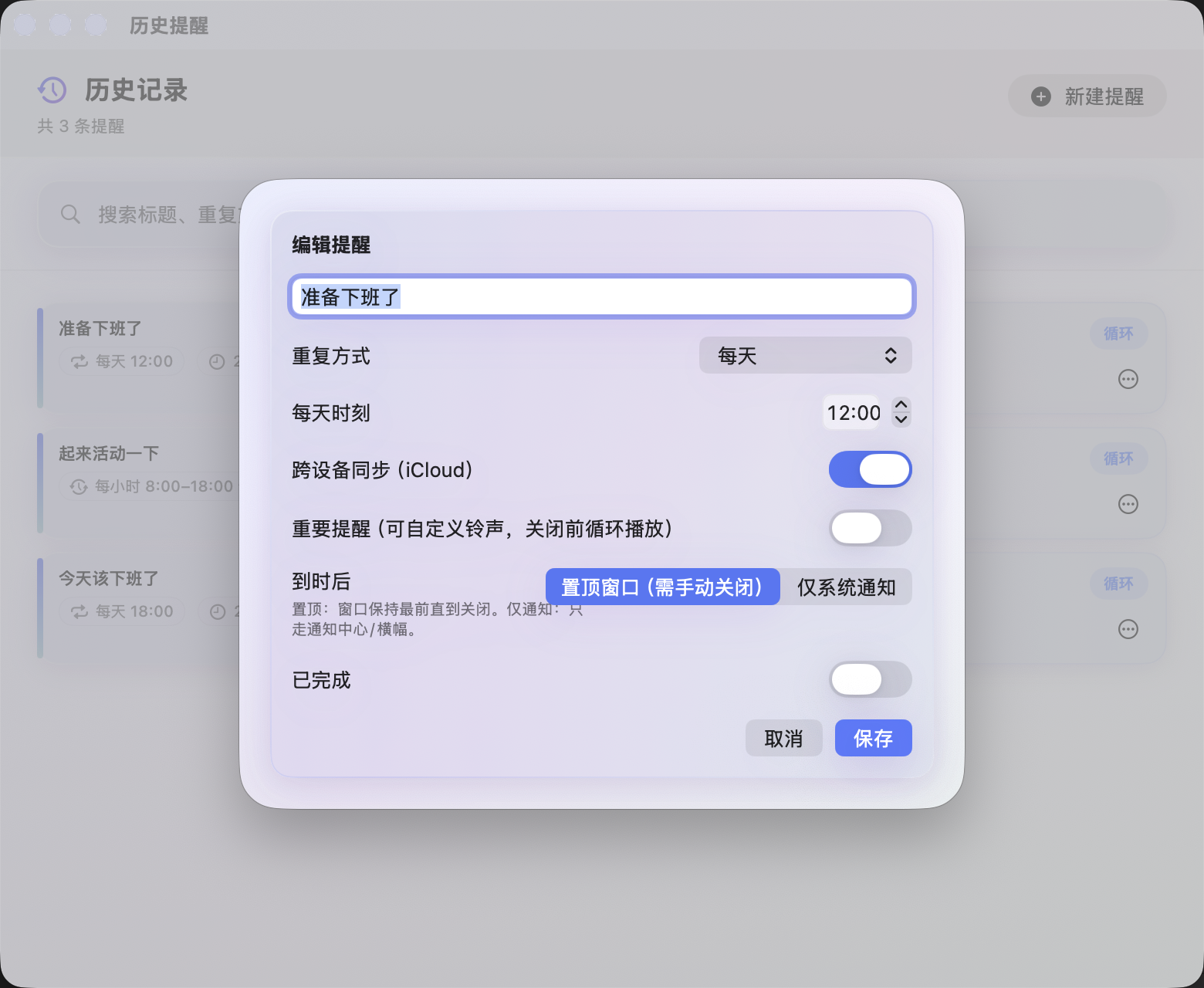
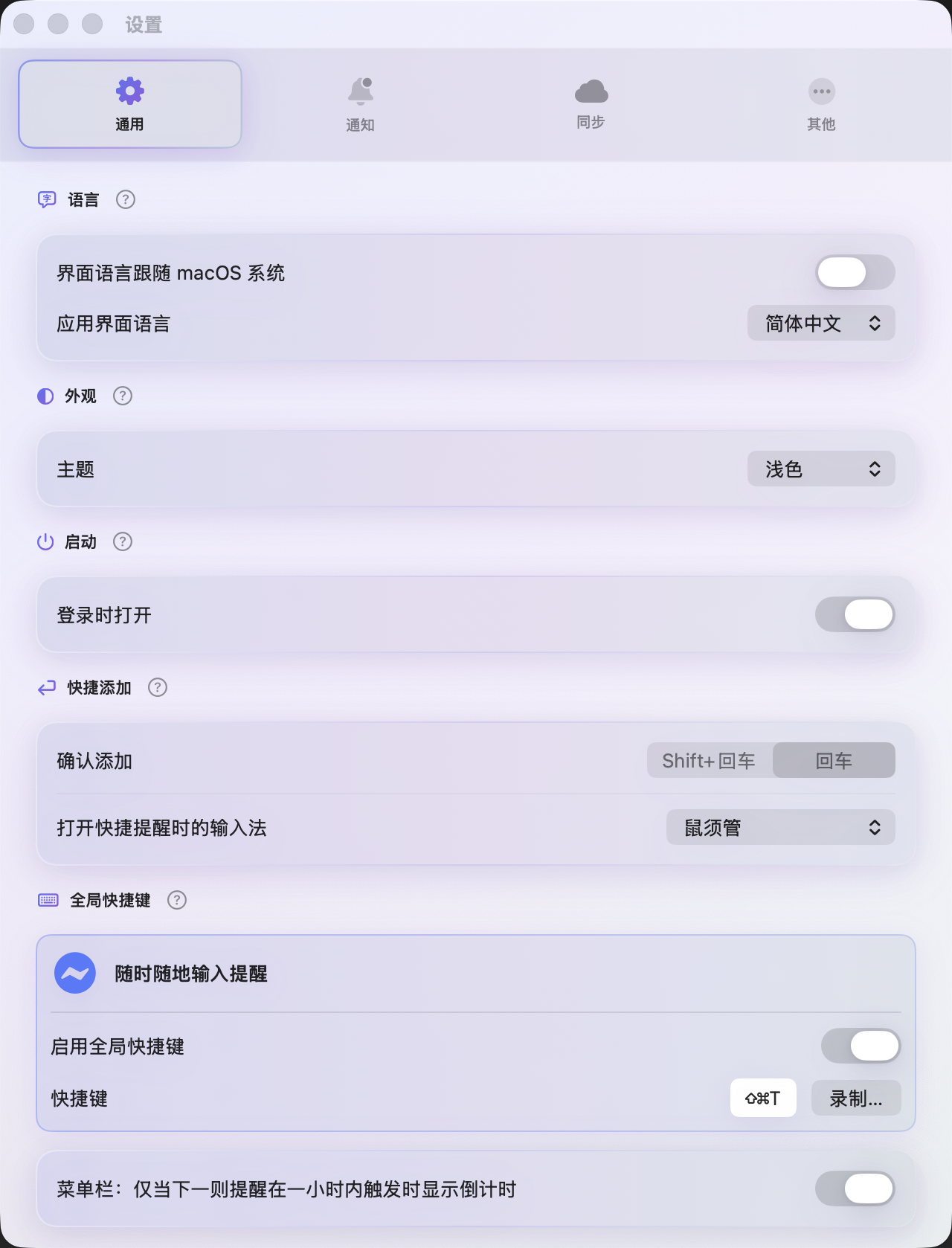
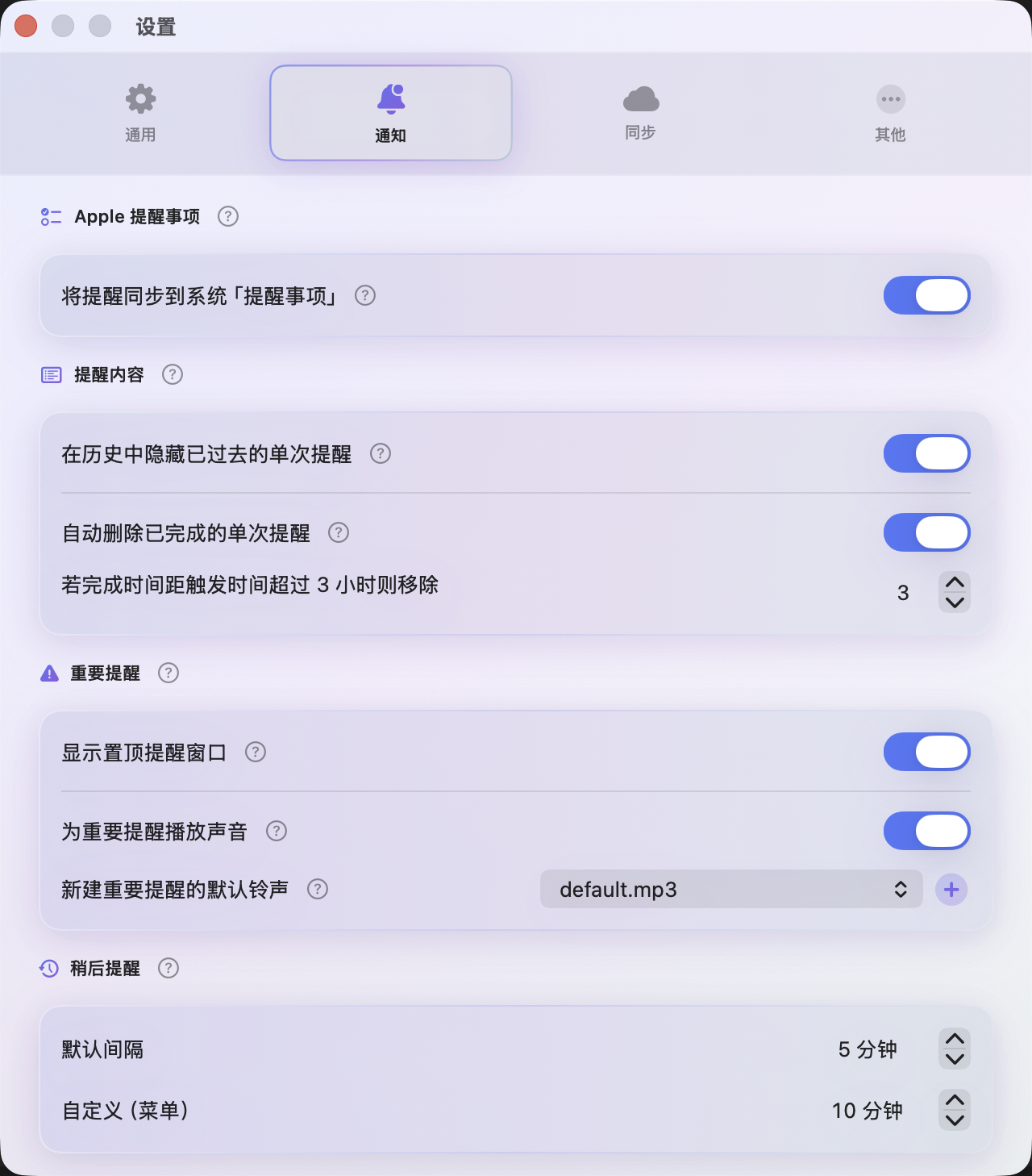
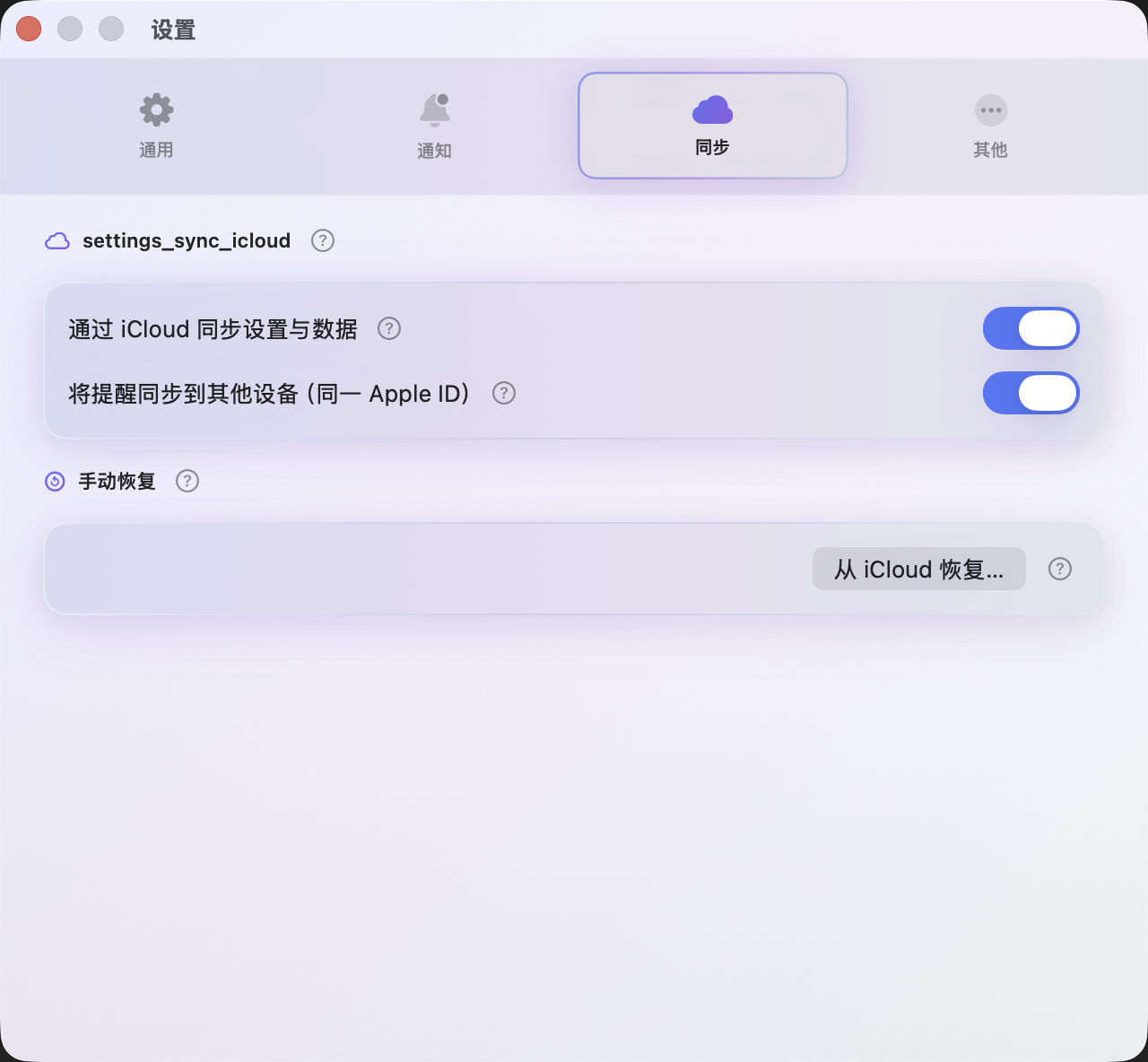
Portrait UI at native proportions.
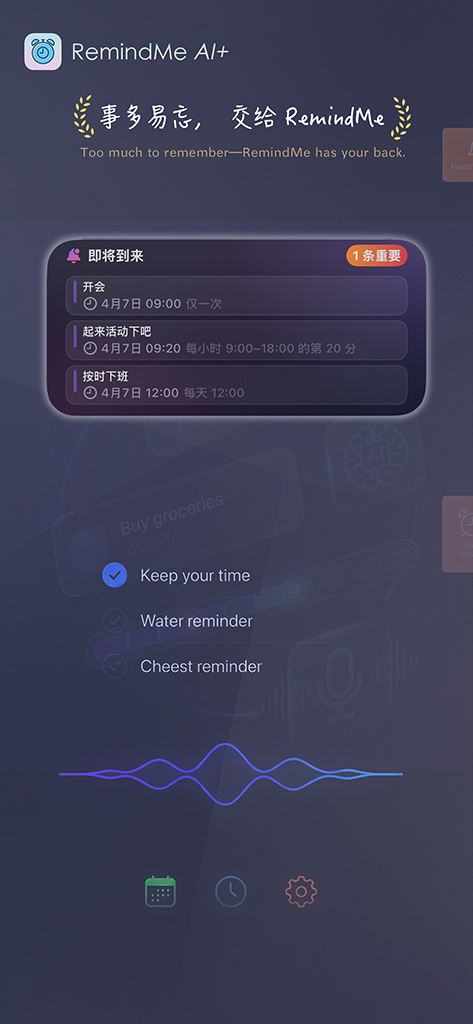
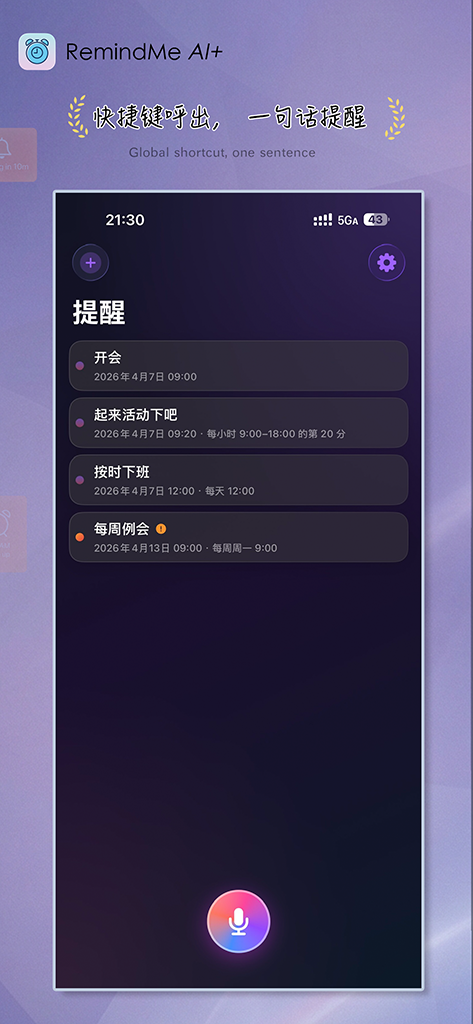
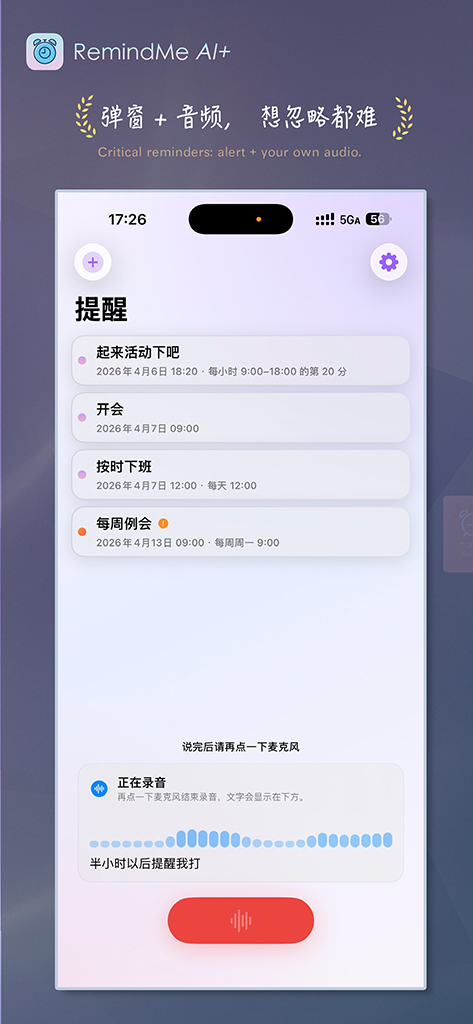
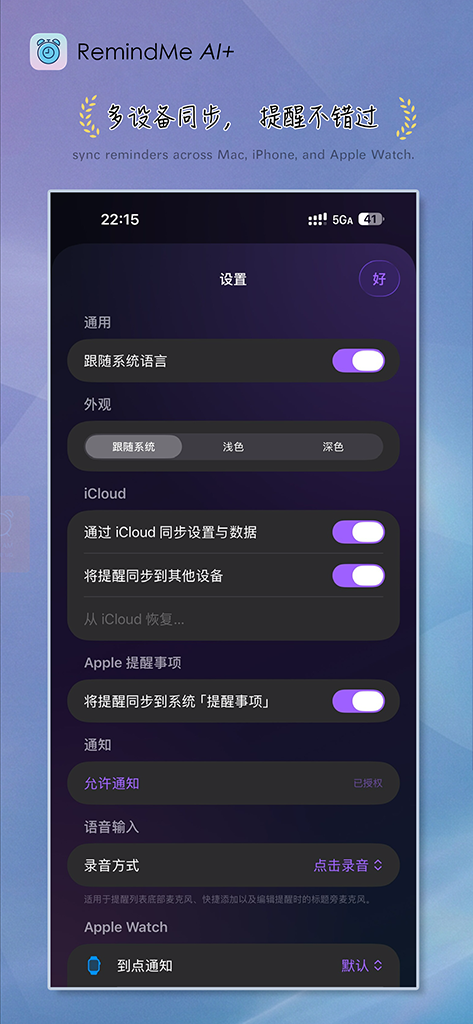
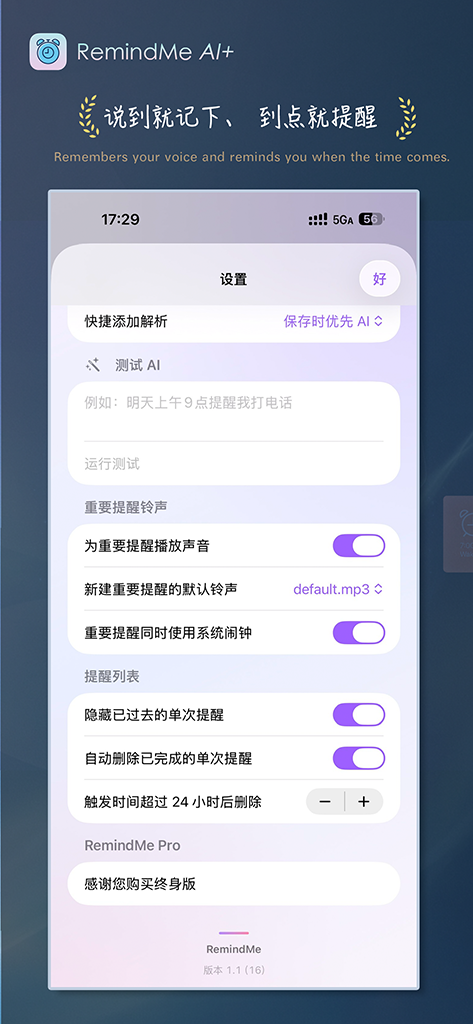
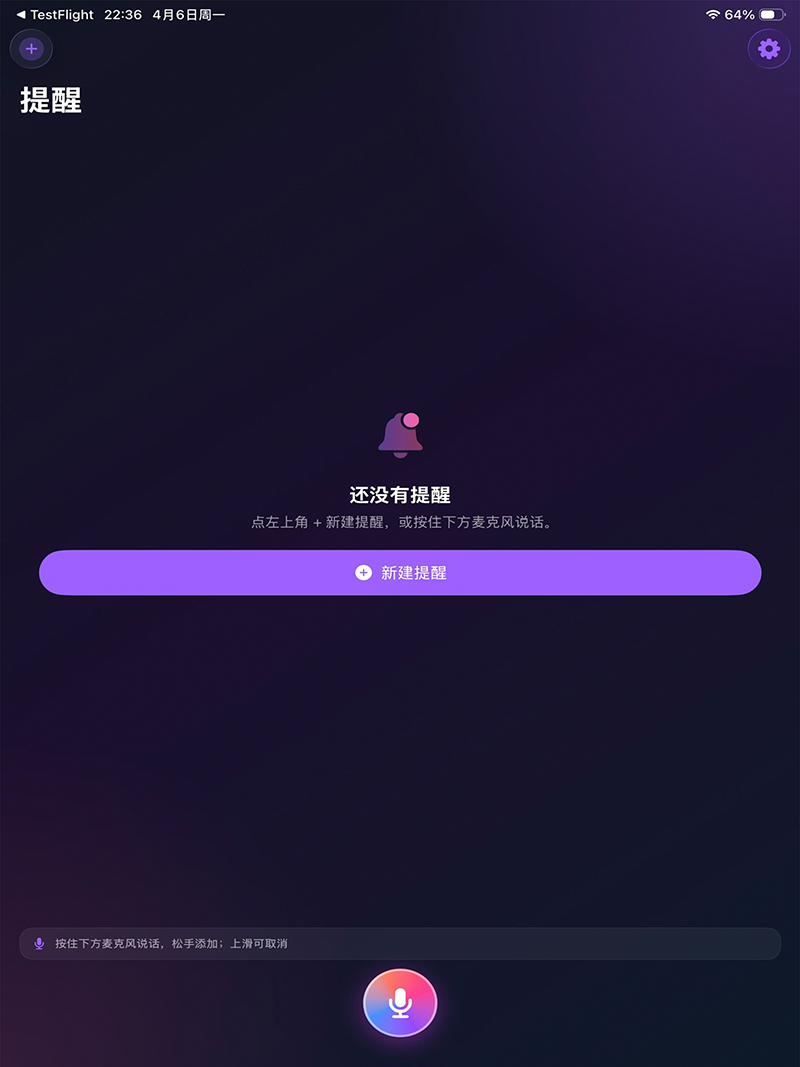
Tablet layout.
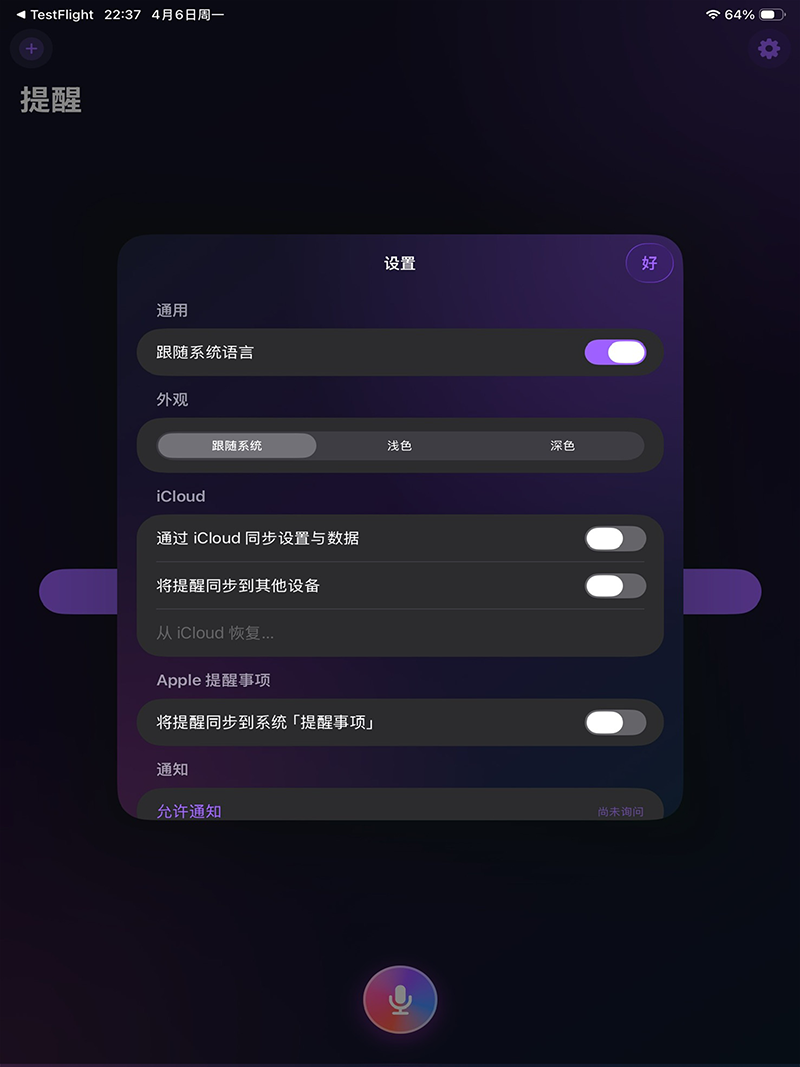
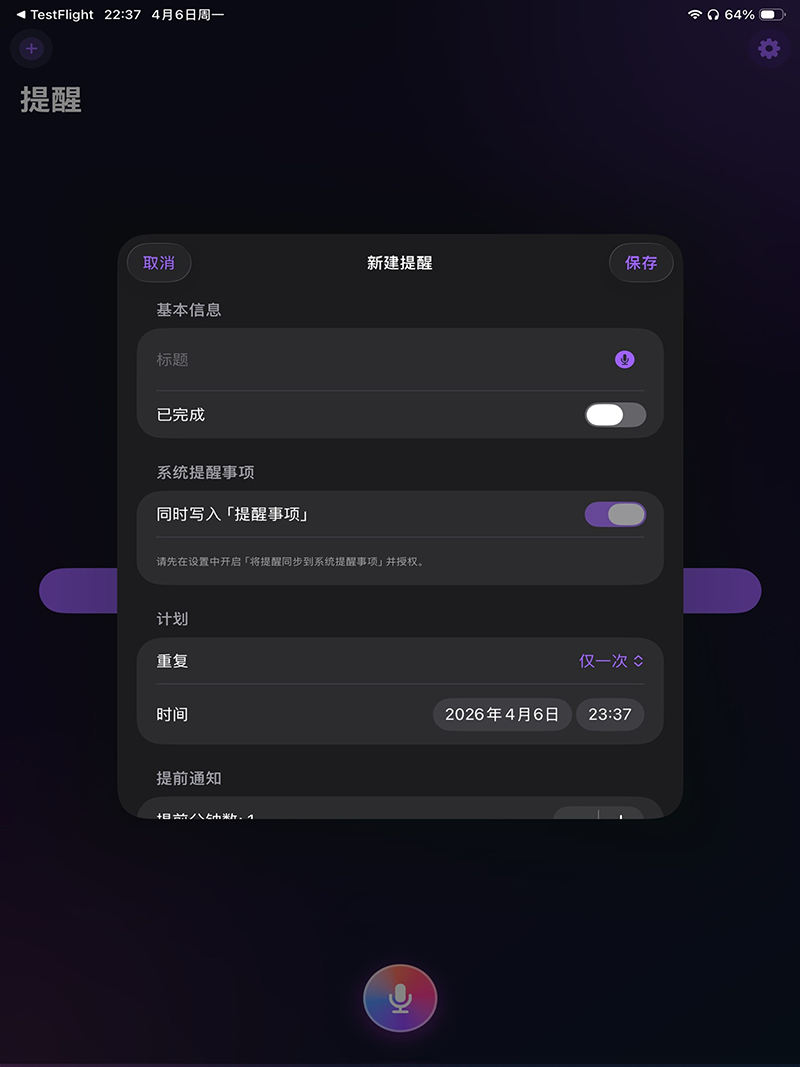
Compact glance and notification context.
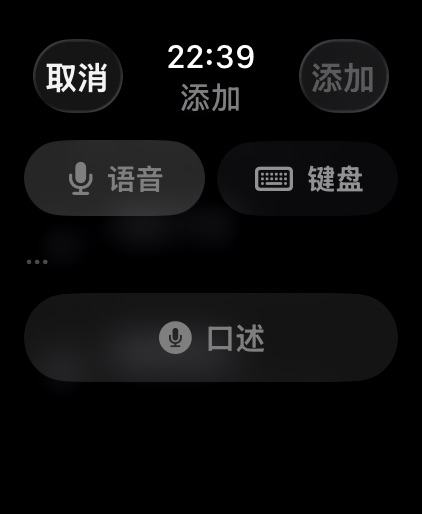
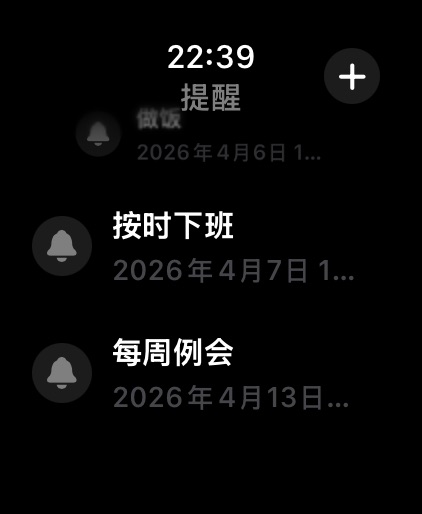
Set a global hotkey to open Quick Add from any app. RemindMe Ai+ registers it with macOS using the system hot key API. Capture the thought before it slips away—no hunting for windows.
Write when, what kind of reminder, and what to tell yourself—in rich Chinese or English phrasing. In-app help lists examples and full rules.
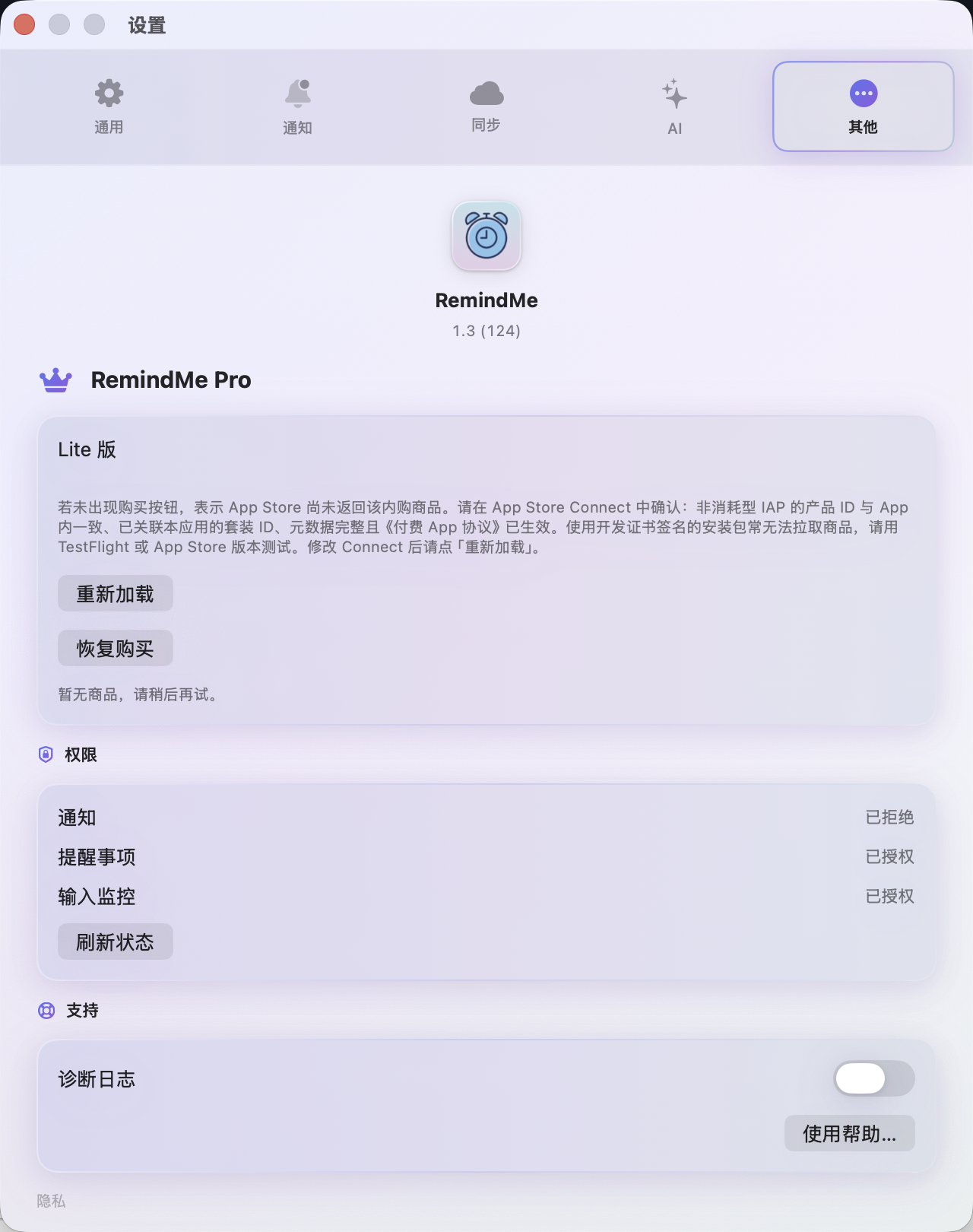
Premium: connect your AI provider in Settings; local-only, optional AI, or AI-first on save to parse time, type, and text. Batch-confirm results. API keys stay in Keychain. Parsing never routes through servers we operate.
No RemindMe Ai+ account on our servers—core creation and on-device parsing work offline. With Premium and iCloud, data syncs under your Apple ID via Apple’s iCloud; we never host your reminder content.
For must-not-miss items, go beyond a standard banner: stronger attention-getting presentation and your own audio until you act or snooze.
Daily, weekly, monthly, yearly, hourly windows, plus optional early notifications so you’re not surprised at the last second.
Optional mirror to Apple Reminders. Premium syncs data and preferences across Mac, iPhone, and Apple Watch via iCloud.
Lite includes core reminders and Quick Add. Premium unlocks iCloud, critical alerts, AI parsing, and more—pricing on the App Store / in-app.
Best for knowledge workers, commuters, voice-first capture, and anyone pairing Mac with iPhone.
Download